
A Practical Guide to Responsible Software Testing
Testing is not simply using unfinished software and hoping for the best. A useful test has a defined purpose, an honest status label, safe sample data, a way to report what happened, and a recovery path. These practices protect testers while producing feedback that can actually guide a release.
Read the release history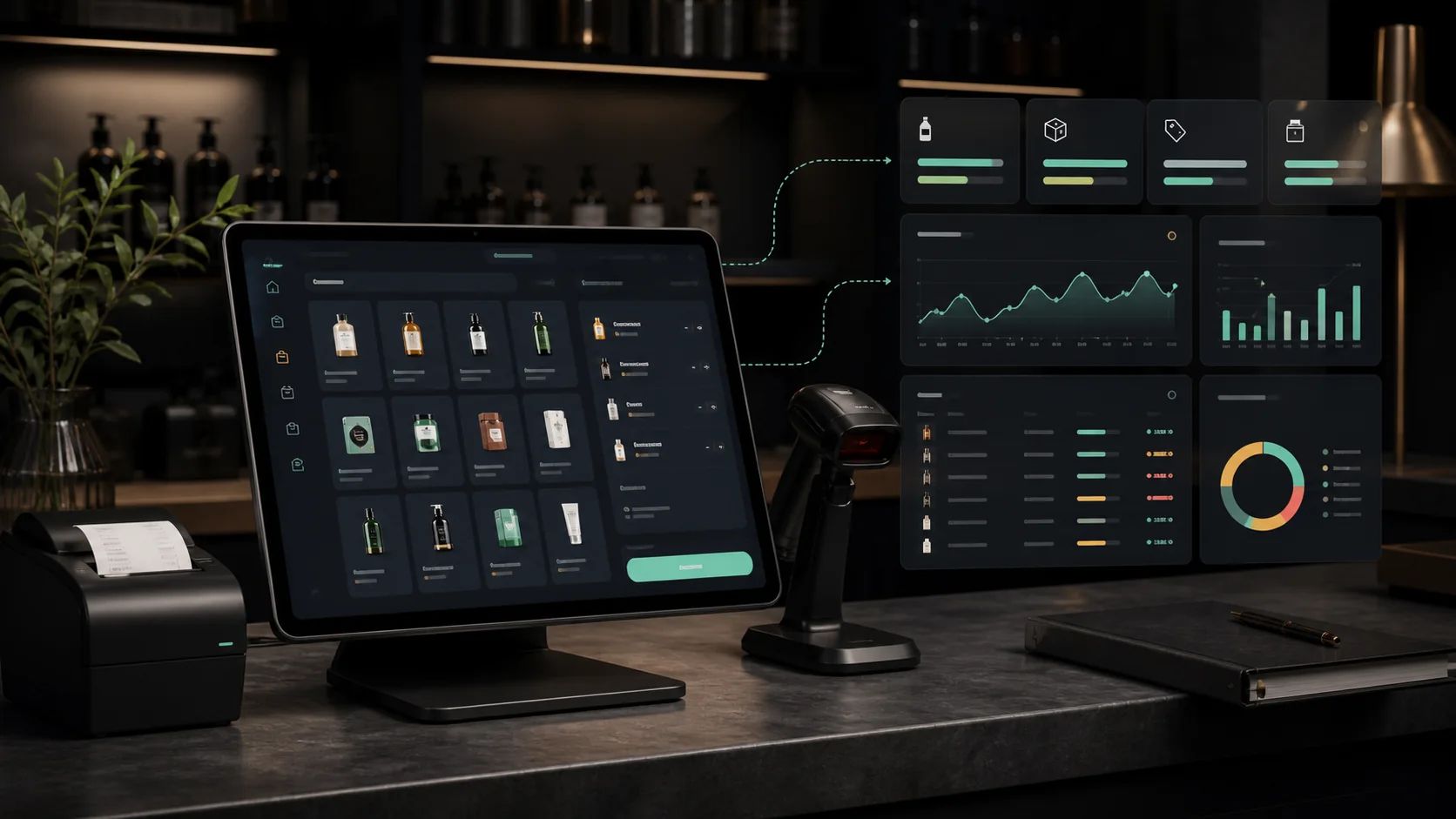
Know the status before starting
A concept, prototype, field test, beta, demo, and production service carry different expectations. Rayleway places these labels near product actions so a tester can decide whether the current risk and effort make sense. A beta can be useful and still contain incomplete features, visual errors, or data migrations.
Testing instructions should identify the device or browser, required account, permissions, sample task, and known limitations. A person should not discover after installation that an app needs a capability the device cannot provide.
Use safe data first
A point-of-sale test does not need real card details. An inventory test can begin with fictional products. A location game can use administrator-controlled markers before public events. A voice feature can use an ordinary test phrase before storing recordings. Beginning with low-risk information makes failure easier to understand and correct.
When real data becomes necessary, access should be limited to the smallest role and shortest useful period. Passwords, API secrets, financial credentials, private messages, and precise location histories require stronger controls than ordinary interface preferences.
Report an observation, not just a feeling
“It does not work” is an honest reaction but an incomplete diagnostic. A stronger report includes what the tester attempted, the screen or URL, the expected result, what appeared instead, whether the problem repeated, and what allowed the person to continue. Screenshots can help when they do not expose private information.
Confusion is also a valid defect. If a feature technically succeeds but the tester cannot tell, the interface needs clearer feedback. Good testing covers labels, focus order, mobile layout, slow networks, denied permissions, empty states, and interrupted tasks—not only the ideal path.
Close the loop
A tester deserves to know whether an observation was understood, postponed, or corrected. Release notes create that loop. They also prevent a concept image, old instruction, or remembered conversation from becoming the unofficial product specification.
After an update, the original task should be repeated along with a nearby task that could have been affected. This small regression check catches fixes that solve one screen by breaking another.
Useful answers before you begin.
Should beta software use live business data?
Begin with realistic sample data. Move to live records only after the workflow, backup, access controls, and recovery process have been reviewed for that use.
What makes a useful bug report?
Include the device, browser or app version, action, expected result, actual result, repeatability, and whether a workaround exists. Remove passwords, private messages, financial information, and other unnecessary personal data.
Where are Rayleway changes recorded?
The public Product Updates history records theme and application releases. Individual beta instructions may also identify known limitations and testing priorities.